

These are the Lightroom presets I use to edit my own photos, built up over time through plenty of trial and error while editing shots from the streets of Nottingham, the neon-lit nights of Tokyo and the wide open landscapes of Colorado. Each one started as a look I kept coming back to, whether that’s moody tones for rainy city streets, rich colours for golden hour, or a cleaner, more natural finish for architecture.
I wanted to share them because editing should be fun, not something that holds you back, and sometimes a good starting point is all you need. They’re completely free to download from the links below, so feel free to use them, tweak them and make them your own.
To install, just open Lightroom, head to the Presets panel, choose Import Presets and select the downloaded files. Every photo is different, so you might need to adjust the exposure or white balance to suit your shot, but I hope they help you get the look you’re after.
If you use them, I’d love to see what you create, so tag me on Instagram at @Nottingham_Lens.
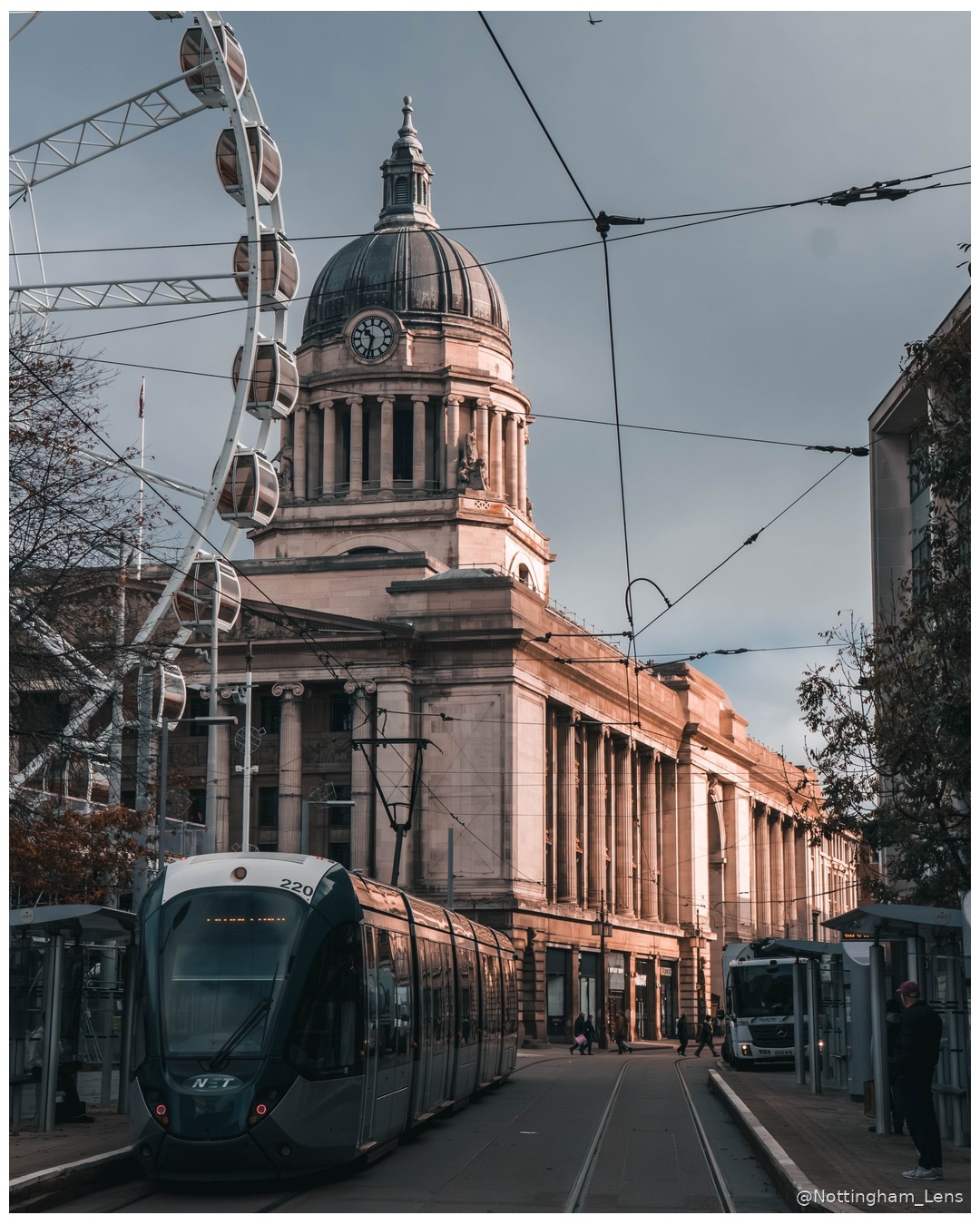
The collection is made up of three presets, each designed with a different side of the city in mind:
- Classic Red Brick brings out the warmth and texture of old brickwork, deepening the reds and oranges while keeping the shadows rich, so Victorian warehouses and terraced streets really glow, especially in late afternoon light.
- Classic Streets is my go-to for everyday street photography, with a slightly muted, filmic feel, softer highlights and a touch of contrast that lets the people and the moment take centre stage without the colours getting in the way.
- Nottingham is the one closest to home, created for the grey sandstone buildings that give the city centre so much of its character. It lifts the detail in the stonework, keeps the tones cool and clean, and adds just enough depth to make those grand old facades stand out, even on a typically overcast Nottingham day.
Download here: NL - Classic Preset Pack